Building a Simple AI App Without Writing Code: What Working Adults Should Know
Why No-Code AI Is Becoming a Practical Skill
Generative AI tools have moved from research labs into everyday work. Many professionals now use chatbots, image generators, or writing assistants in their daily tasks. But building your own small AI application has felt out of reach unless you know Python or JavaScript. That is changing. A growing number of classroom courses and online platforms now let people create simple generative AI apps without writing a single line of code. For working adults who want to automate a repetitive task, test an idea, or improve a team workflow, this opens up new possibilities.
The key insight is that you do not need to become a programmer. What you need is a clear problem, a basic understanding of how AI models work, and a structured method to assemble the pieces. Many of the tools used in no-code AI development are drag-and-drop environments or guided wizards. They handle the complex parts behind the scenes, so you can focus on what you want the app to do. This approach fits well with busy professionals who cannot spend months learning syntax.
What No-Code Generative AI Development Looks Like
In a typical hands-on session, you start by defining a small task. It might be something like generating a summary of customer feedback, creating draft replies to common email queries, or turning rough notes into a short report. You then choose an AI model - often a large language model from a provider such as OpenAI or Anthropic - and connect it to your input data. The no-code environment gives you a visual interface to set instructions, rules, and output formats. You test the app, see what it produces, and adjust the instructions until the results are useful.
The whole cycle can take a few hours for a simple prototype. You are not building a production system for thousands of users. You are making a functional tool that helps you or your small team do a task faster. This is sometimes called "vibe coding" in developer circles, though the term originally described a style of programming where you rely on intuition and fast feedback rather than formal planning. In a no-code context, the same idea applies: you iterate quickly, guided by what the output looks like, and you adjust as you go.
Who Benefits From Learning This
Working adults in non-technical roles are the main audience. Operations managers, HR coordinators, marketing assistants, salespeople, and small business owners all have tasks that involve text: drafting, summarising, categorising, or rewriting. These are exactly the kind of tasks generative AI handles well. Learning to build a small app for one of these tasks can save hours each week. It also gives you a better sense of what AI can and cannot do, which helps you evaluate tools your organisation might buy.
Another group is technical professionals who want to prototype ideas quickly before committing to a full development effort. A business analyst or a product manager might use no-code AI building to test a feature concept in a day rather than waiting weeks for a development sprint. The skill here is less about the tool and more about the thinking: how to describe a task precisely enough for an AI model to follow, how to test outputs systematically, and how to refine instructions when the results are off.
What You Need to Succeed
No prior coding experience is required, but some preparation helps. First, you should be comfortable working with text and spreadsheets. Most no-code AI tools let you upload data in CSV or Excel format, so basic data handling is useful. Second, you need a willingness to experiment. AI models do not always produce perfect results on the first try. You will write a prompt, see what comes back, adjust the wording, and try again. This trial-and-error process is normal and is part of how the field works.
You also need to think about the problem you want to solve. A vague goal like "make a better chatbot" is harder to build than a specific one like "create a tool that turns a one-paragraph product description into three social media posts." The more concrete your task, the easier it is to set up the app and evaluate whether it works.
Common Mistakes to Watch For
- Overloading the app with too many tasks at once. Start with a single, narrow function.
- Expecting perfect accuracy. AI apps produce plausible text, not verified facts. Always review outputs.
- Ignoring data privacy. If your input contains personal or confidential information, check where it is being processed.
- Skipping the testing phase. Run several examples through your app and look for patterns in the errors.
- Giving up after the first failure. Adjust the instructions, change the model, or simplify the task before trying again.
How the Learning Experience Works
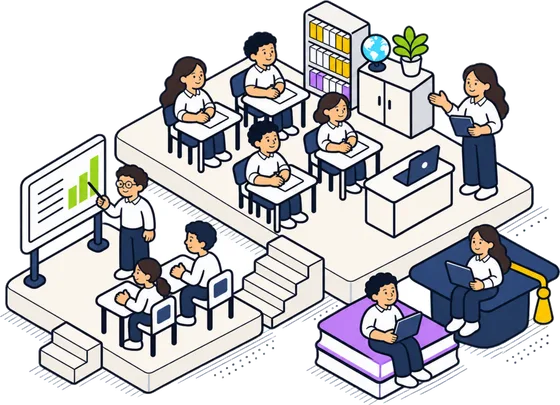
A well-structured classroom course on this topic typically spans two days. The first day covers the basics of generative AI, the available no-code platforms, and how to set up a simple app. You learn by following along with an instructor, building a prototype as the concepts are explained. The second day focuses on refinement, testing, and deployment. You take your prototype, try it with real data, fix issues, and then make it accessible to others - often through a simple web interface or a shared link.
The emphasis is on doing, not just listening. By the end of the course, you should have a working app that you can use at work the following week. The goal is not to make you an AI expert. It is to give you a practical skill that reduces the gap between a problem and a solution.
Courses like these are often supported by SkillsFuture credits in Singapore, which makes them affordable for working adults. The focus is on real-world applicability rather than theory. You leave with something you built, not just notes.
Where No-Code AI Falls Short
No-code tools are powerful, but they have limits. They work well for tasks that involve text generation, classification, and simple data transformation. They struggle with tasks that require complex logic, multiple steps that depend on each other, or integration with specialised databases. If your problem requires custom algorithms or heavy computation, you will eventually need to bring in a developer or learn to code.
Also, no-code platforms can be less flexible. You are limited to the features the platform offers. If you need a specific behaviour that the platform does not support, you may hit a wall. For many everyday business tasks, though, the platforms are more than adequate.
Another consideration is maintenance. AI models change over time. An app that works perfectly today might produce different results in six months after the underlying model is updated. You need to check periodically that your app still behaves as expected. This is not a reason to avoid building the app, but it is a reason to plan for occasional reviews.
Making the Decision to Learn
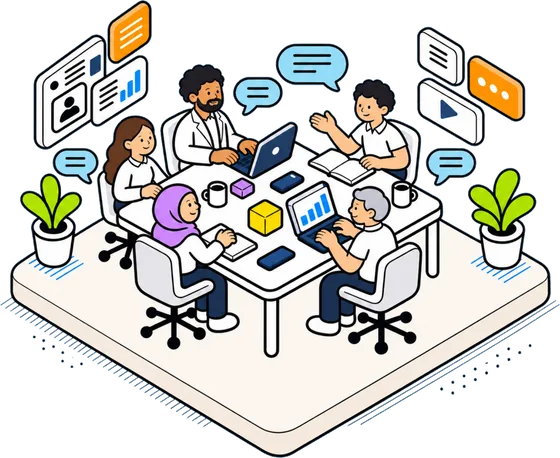
If you have a recurring task that involves writing, summarising, or categorising text, and you wish you could automate part of it, then learning no-code AI development is worth your time. The skill is accessible, the tools are becoming more reliable, and the return on a two-day investment can be immediate. You do not need to become a developer. You just need to learn a new way of thinking about problems.
The phrase "vibe coding" originally referred to a programming style based on intuition and rapid feedback. In the no-code context, it captures the essence of what you are doing: you feel your way toward a working solution, guided by the outputs you see, rather than following a strict plan. That approach works well when the tool is forgiving and the task is small. And for most working adults, small tasks are exactly where the biggest gains are.